Create a Trip
Every journey starts with a trip.
Give it a name, set your dates, and add a banner photo if you like. TrekCrumbs keeps your trips organized and separated; each one has its own clean timeline.
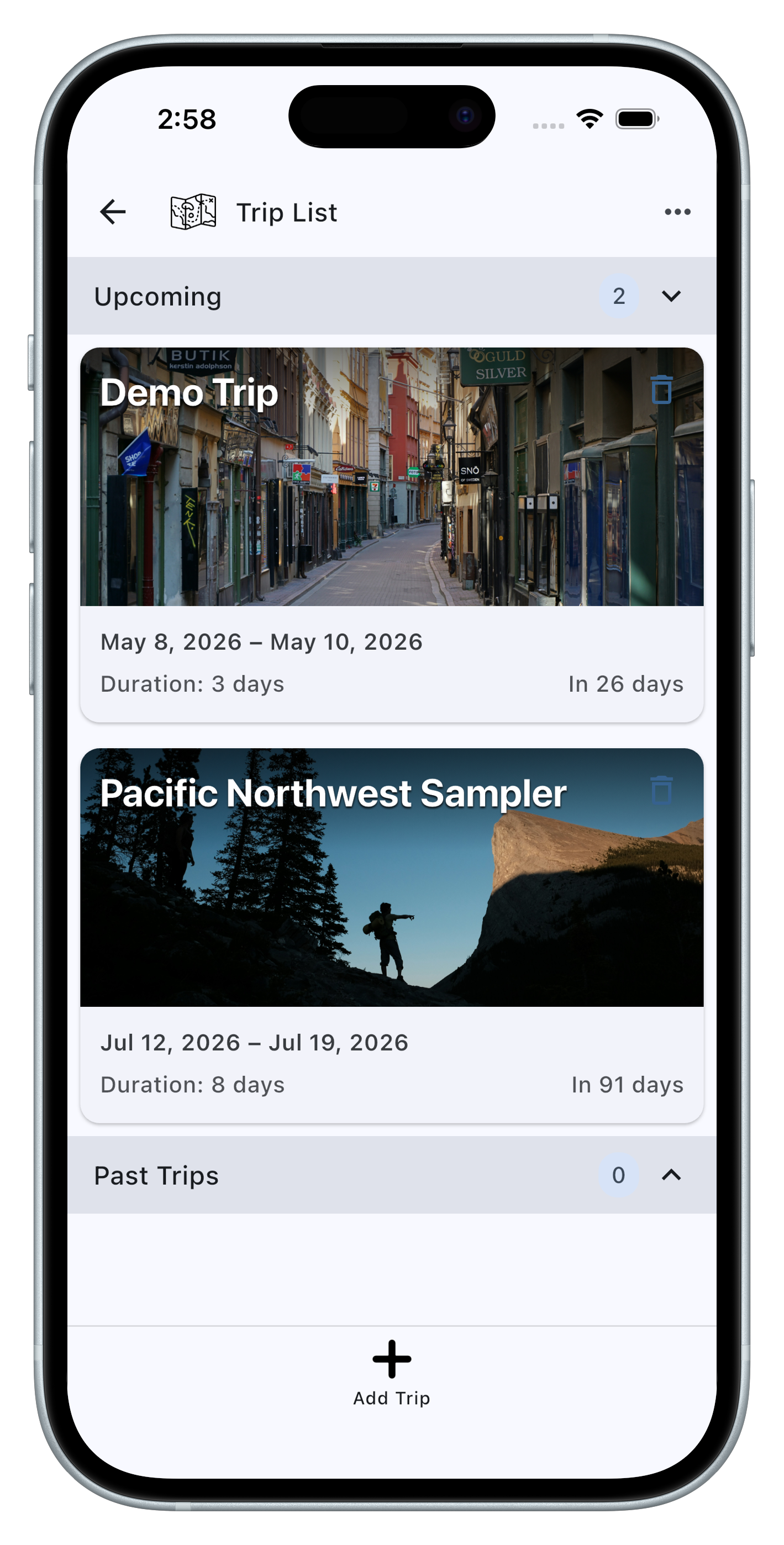
Give it a name, set your dates, and add a banner photo if you like. TrekCrumbs keeps your trips organized and separated; each one has its own clean timeline.
For every booking, confirmation, or plan, create a Crumb. Fill in the details that matter: times, locations, confirmation numbers, and notes. Each Crumb type is structured for its purpose, so you're never staring at a blank form.
 Activity
 Car Rental
 Cruise
 Dining
 Flight
 Ground Transport
 Lodging
 Rail
Rail
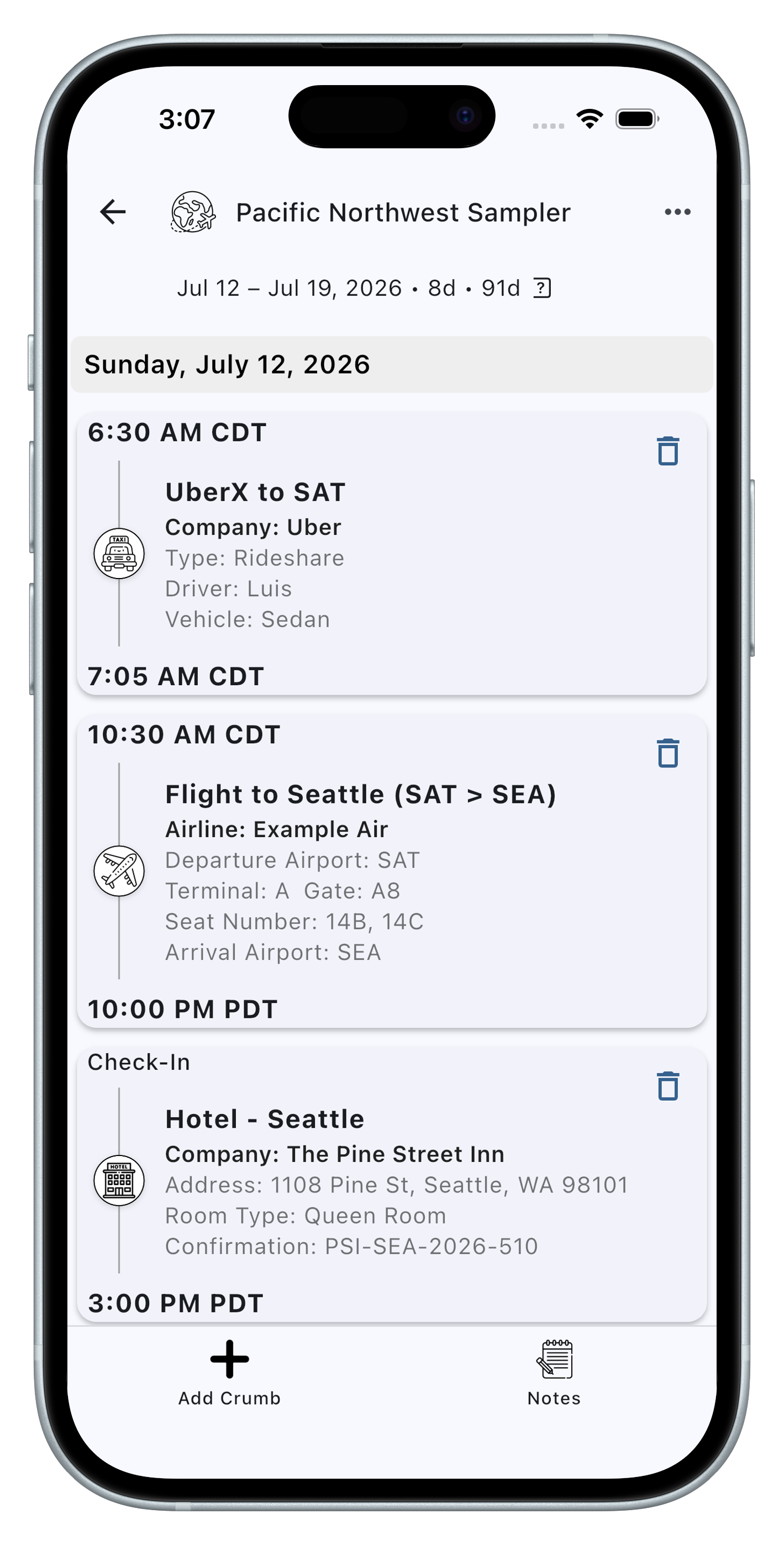
Once your Crumbs are added, TrekCrumbs automatically creates your timeline. Each booking is organized chronologically, day by day, with the correct time zone for each location. No internet connection is required, and you don't need an account. Just open the app, and everything will be right there for you.
TrekCrumbs lets you back up your entire vault to a single .tcbak file. Save it to your device, share it, or store it wherever you keep your important files. Restoring is just as simple. And because the backup is a standard zip archive containing your data in human-readable formats, you always know exactly what's in it.